> ## Documentation Index
> Fetch the complete documentation index at: https://ionet-cca8037f-uc-362-deprecate-ray.mintlify.site/llms.txt
> Use this file to discover all available pages before exploring further.
# Usage and Billing
> Review your usage, transaction history, earnings and billing details. Get full visibility into your IO Credits, block-reward earnings, withdrawals, and platform spend in one place.”
 On the top navigation bar, click the **Usage & Billing** button.
This page allows you to:
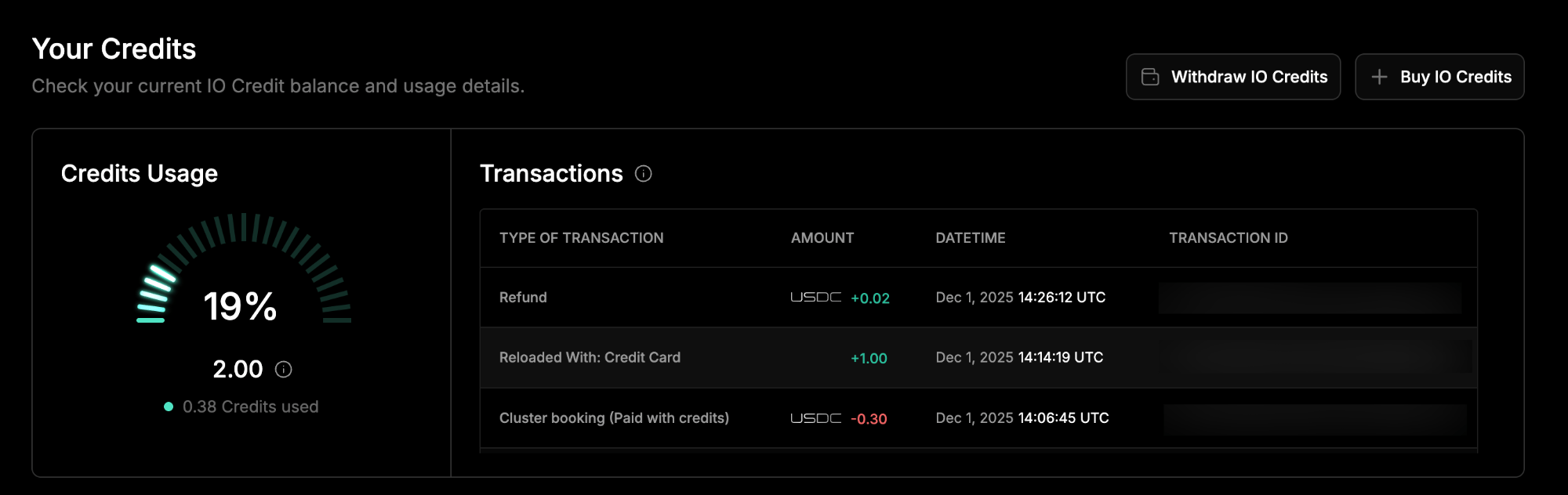
* View your *Credit Usage* and your credit *Transactions*.
* *Buy* IO Credits or *Withdraw* IO Credits.
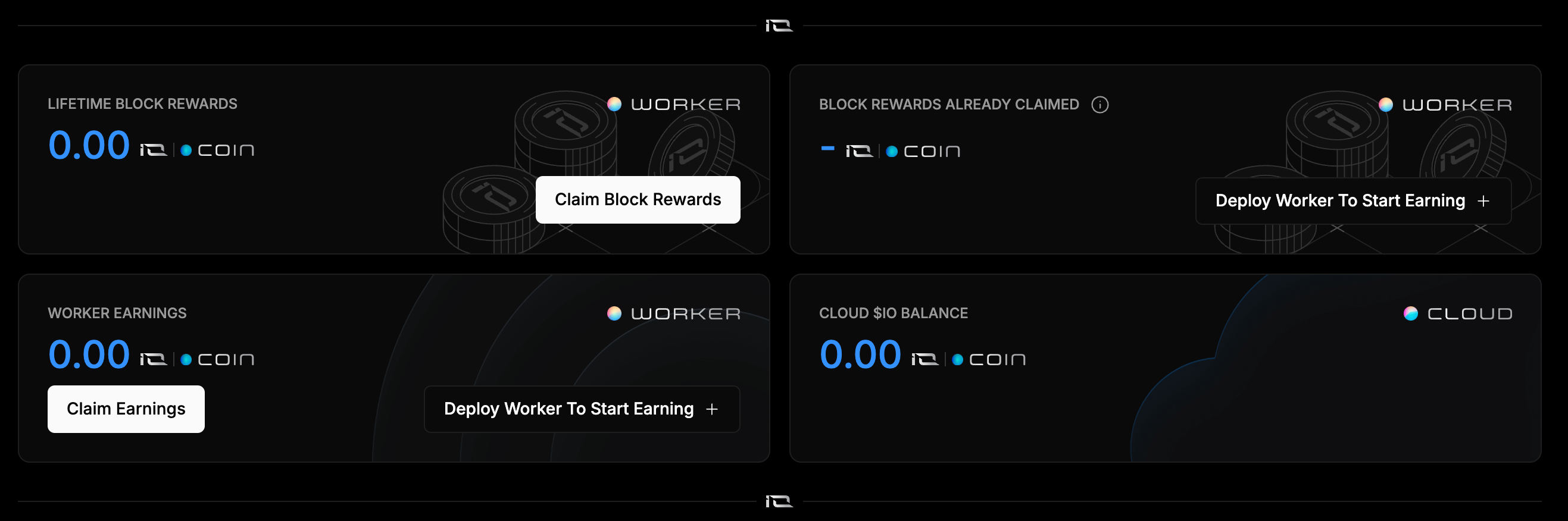
* View *Lifetime Block Reward* earnings for your workers.
* View *Block Rewards Already Claimed* for your workers.
* View *Worker Earnings* and claim your earnings.
* View your current *Cloud \$IO Balance*.
On the top navigation bar, click the **Usage & Billing** button.
This page allows you to:
* View your *Credit Usage* and your credit *Transactions*.
* *Buy* IO Credits or *Withdraw* IO Credits.
* View *Lifetime Block Reward* earnings for your workers.
* View *Block Rewards Already Claimed* for your workers.
* View *Worker Earnings* and claim your earnings.
* View your current *Cloud \$IO Balance*.
 #### List of Transactions
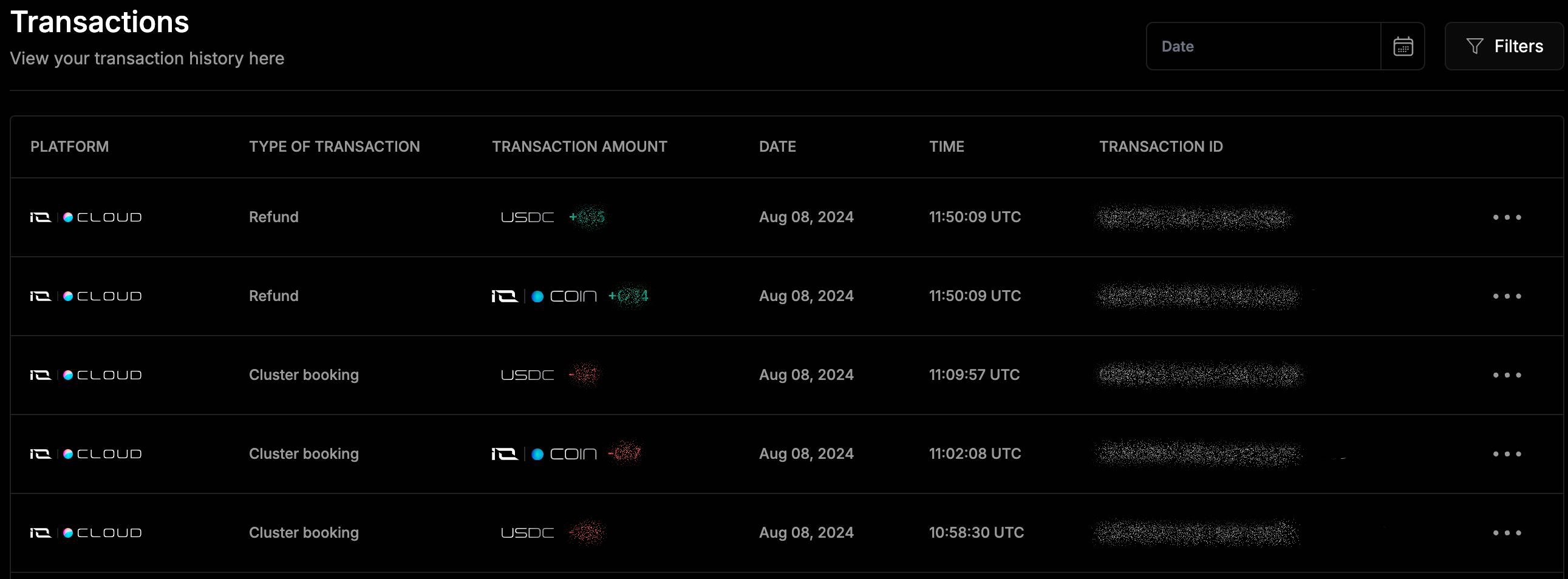
This page allows you to view a **Transactions** list. You can filter the transactions by date within any allowed period and by the transaction types such as:
* *Reloaded*
* *Earnings*
* *Refunded*
* *Withdrawals*
* *Promo Credits*
Additionally, you can filter transactions by *Platforms* within the IO system, such as:
* ***IO Worker***
* ***IO Cloud***
When you click on a specific transaction, it will open a page with its detailed information.
#### List of Transactions
This page allows you to view a **Transactions** list. You can filter the transactions by date within any allowed period and by the transaction types such as:
* *Reloaded*
* *Earnings*
* *Refunded*
* *Withdrawals*
* *Promo Credits*
Additionally, you can filter transactions by *Platforms* within the IO system, such as:
* ***IO Worker***
* ***IO Cloud***
When you click on a specific transaction, it will open a page with its detailed information.
 #### Detailed Transaction View
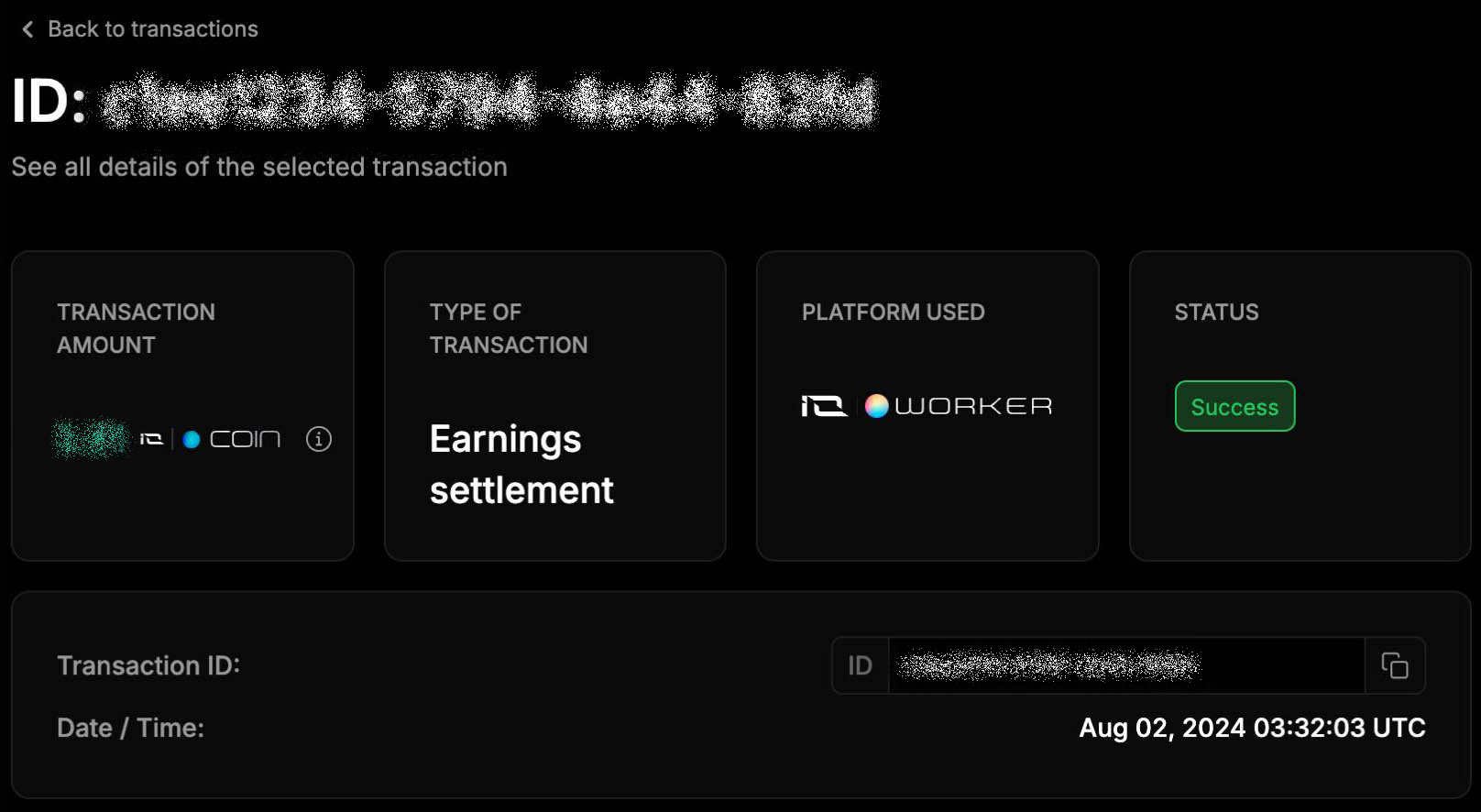
The **Transaction Details** page shows:
* *Transaction Amount*
* *Type of Transaction*
* *Platform Used*
* *Status*
* *Date/Time*
* *Transaction ID*
#### Detailed Transaction View
The **Transaction Details** page shows:
* *Transaction Amount*
* *Type of Transaction*
* *Platform Used*
* *Status*
* *Date/Time*
* *Transaction ID*